How Saving Works in Cozy Game Restoration
There is no quicksave and no cloud sync: progress is committed from the options menu or by finishing a clean. What to do before closing the game.
How do I save the game?
Through save and exit in the in-game options menu. There is no quicksave binding and no autosave on a timer, so the menu visit is the deliberate act.
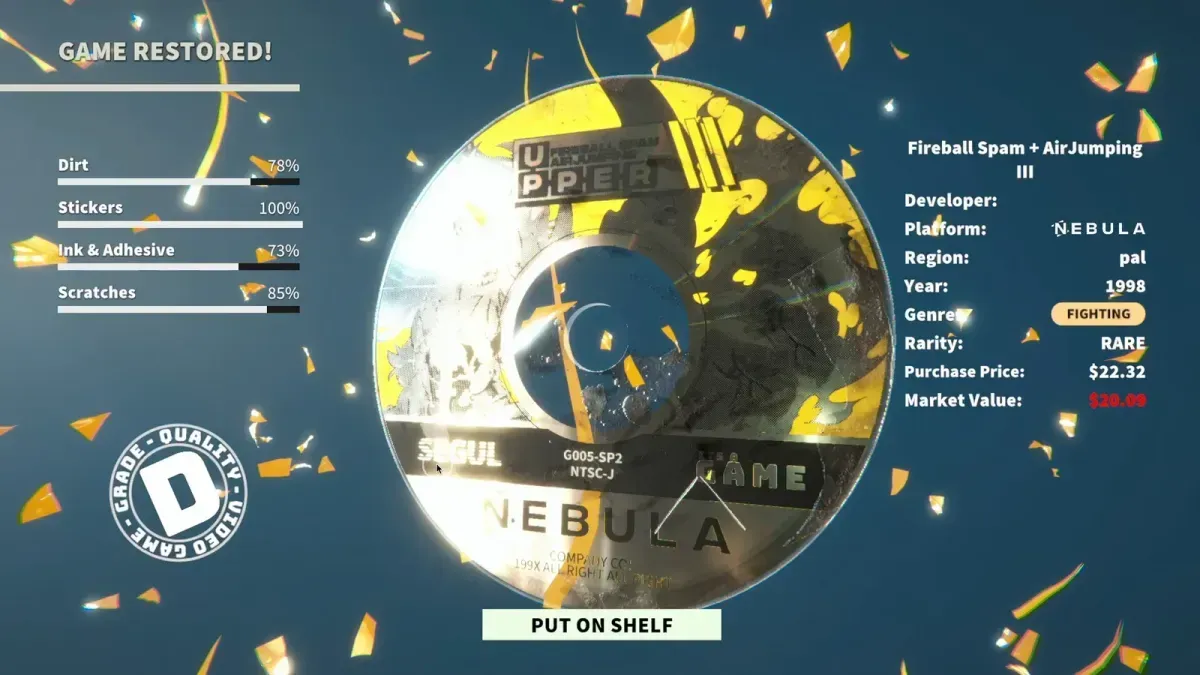
Finishing a clean also commits progress: once a cartridge is graded and shelved or sold, that work is on disk. That is why the developer’s own advice for a stuck session is to either save and exit or finish the clean you are in, rather than closing the window.
Are there cloud saves?
No. Cloud saves are on the developer’s post-launch feature list rather than in the build, which means the save file exists only on the PC or Deck that created it. Two consequences worth internalising: playing on a second machine starts a separate save, and uninstalling without copying the file loses the run.
The same list that holds cloud saves holds inventory filters and toolbar callouts, and none of them are in the build, so there is no sync option to go hunting for in the menu.
Achievements are a separate timeline rather than a separate feature. The developer announced them as due the day after Patch 1 came back, and the store still listed none when this page was updated.
What happens to a cartridge I am mid-clean on?
Reports from players in the Steam discussions say the cartridge in progress gets finished and graded when you save and exit, so exiting mid-clean is not a free pause. Whether that counts as a kindness or a bug depends on how much you care about the grade, and the honest answer for now is that the game treats the exit as the end of the job.
The practical habit: finish the clean before you exit. A finished cartridge is on the shelf with the grade you earned; a half-cleaned one is at the mercy of the exit.
Which exit is safest on a Steam Deck?
Save and exit, every time, before the Deck goes to sleep. The most-reported launch bug on the handheld is a soft lock that appears after sleep or the screensaver kicks in, and the developer’s note on it asks the same thing of players: put the game down through save and exit, or finish the clean you are in, before leaving the machine idle. The developer has not been able to reproduce it on an LCD Deck, so there is no fix in the current build.
The rest of the Deck picture, including which controls the build handles badly, is on Steam Deck. If the game will not start at all rather than losing state while running, that is a different fault and it is covered on the game will not launch.
Can I move a save between machines?
Only by moving files, because there is no sync layer to do it for you. The save path is not shown anywhere in the game’s interface, so this is a job for someone comfortable in the file system rather than a supported feature — and with cloud saves on the roadmap, it is worth waiting rather than building a habit around manual copies.
One thing that is not a save problem: the demo’s save does not carry into the full game. If your progress vanished between the demo and release, that was expected, and demo versus full game explains why the demo data was reset.
Does the save track anything besides money and shelf?
Yes — the collection itself. Rarity, region variant and the shelf arrangement are all part of the save, which is why losing it is worse than losing a day’s cash. The cartridge collection page shows what varies per copy, and collection room explains why the arrangement is part of the value rather than just storage.
Related Articles
guides
Autocomplete Not Working at 99 Percent in Cozy Game Restoration
Autocomplete fires only when every layer passes 99 percent, so one bar at 98 keeps the cartridge open. How to find the layer that is holding it back.
guides
Adhesive Not Spawning on Discs: Cozy Game Restoration Bug
Disc cartridges could refuse to spawn sticker adhesive, leaving the ink bar unfillable. Fixed in Patch 1 and live again since 7 November.
guides
How to Change the Language in Cozy Game Restoration
The game picks a language on first boot and the gear icon reopens the list. The full set, plus why Russian was missing and when it returned.
Was this helpful?
Thanks for the feedback!